
The URL without www is known as naked domain, in this article you will see the pros and cons of www vs non-www URL.
When you buy a domain, it is just a name with your desired extension like .com, .org etc. When you set up your website, did you know that you have the choice to use name with www like www.moonshotcentral.com or without www like moonshotcentral.com/. Though both the URLs will lead to the same page but for search engines they are two different website.
Typically for a small website, it does not make much of a difference because sometime businesses just have a website for the sake of having it. They don’t take much advantage of having a website, probably because their business model generates leads from somewhere else.
Now, for those businesses who are serious about their website or bloggers who make money writing articles, it is very important to understand the difference between the two.
First of all from a Search Engine Optimization (SEO) point of view, domain preference does not make any difference whether you use www or non-www URL for your website. What’s important is that you stick to one, i.e. if you use “www” prefix in your website’s name then don’t remove the prefix and if you do not use “www”, then don’t add it.
The most important thing is telling Google or any other search engine about your choice and have it indexed properly.
So how do you let Google know about your domain preference? The old Search Console option shown in the original version of this article was retired by Google in 2019. There is no longer a gear menu setting for this.
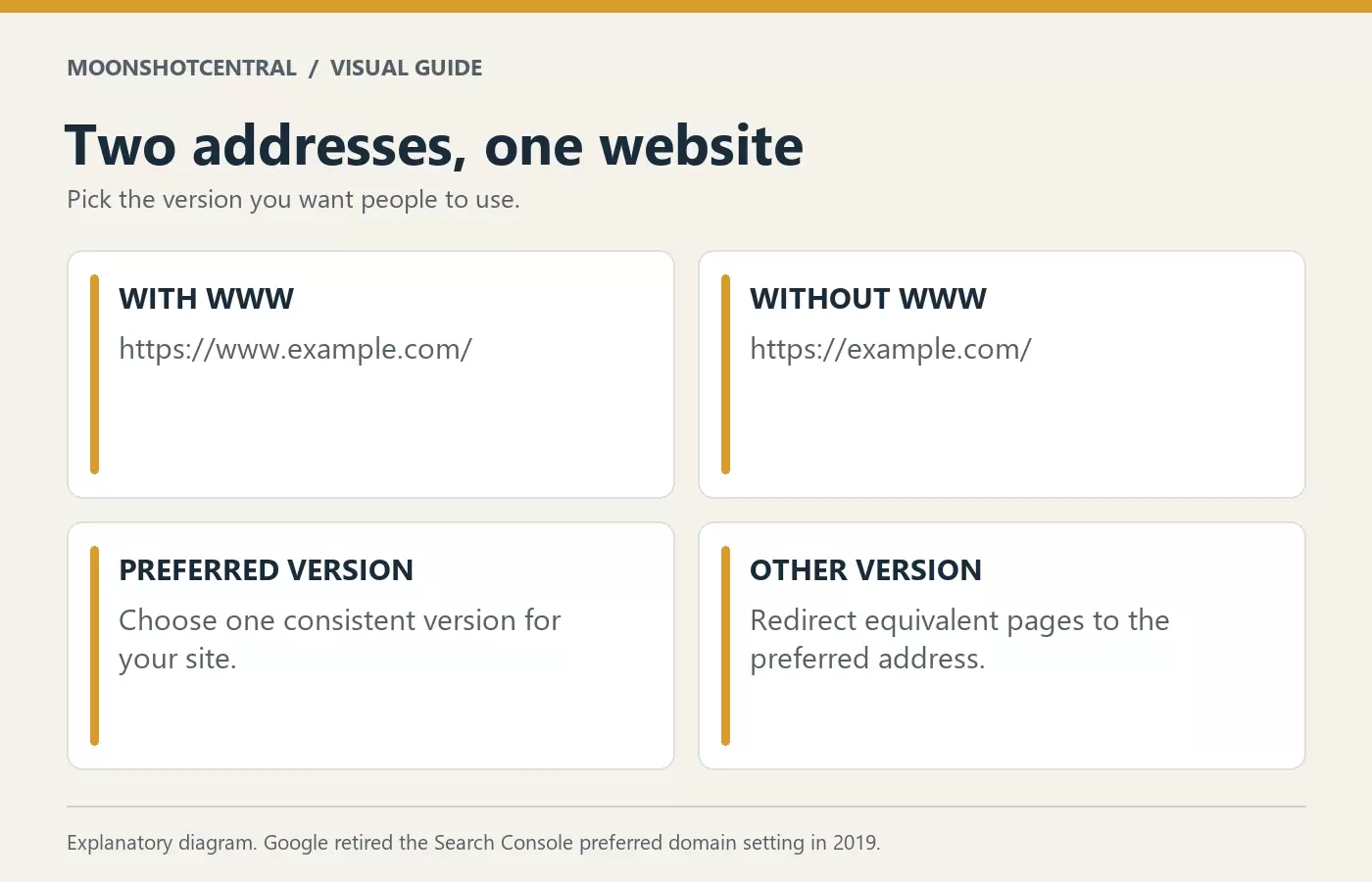
Choose the version you want to use and keep it consistent. Redirect the other version to its matching pages on the preferred address. Your canonical tags, internal links and sitemap should point to the same preferred URLs.
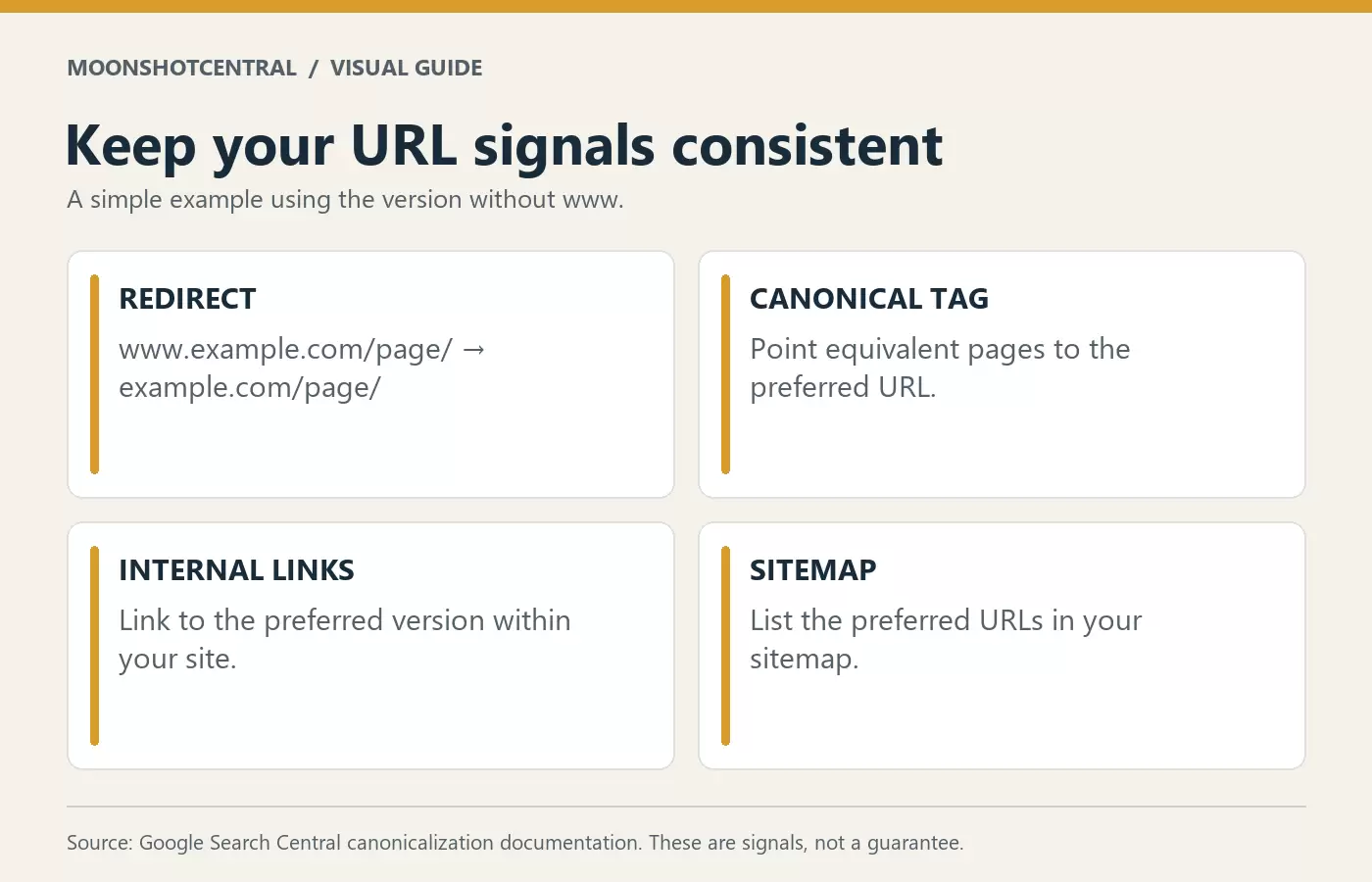
These signals help Google choose a canonical URL. You can read the details in Google’s guide to consolidating duplicate URLs.
In case you are wondering why some sites use www instead of just keeping the URL naked or keep it www free, there is a technical reason for that. It is because when you have lot of sub-sites or sub-domains attached to your primary domain, then it helps DNS to keep the cookies separately or gives it the ability to restrict or control the cookies.
Now you know the pros and cons of www vs non-www URL. Don’t be bothered too much about choosing the domain with www or non-www. Just decide and stick to it. However, as mentioned above, you should not change it later because it affects your search results and will confuse the search engine while indexing.
Checkout how to set domain preference in WordPress.