Archived 2016 guide. The steps below describe an option discussed in the 2016 version of WhatsApp. The replacement graphics explain that historical route and are not current app screenshots.
On 25 August 2016, WhatsApp announced closer coordination with Facebook, including connecting phone numbers with Facebook’s systems. It said encrypted messages would stay private.
At the time, this article showed three steps through Settings and Account to the “Share my account info” option.
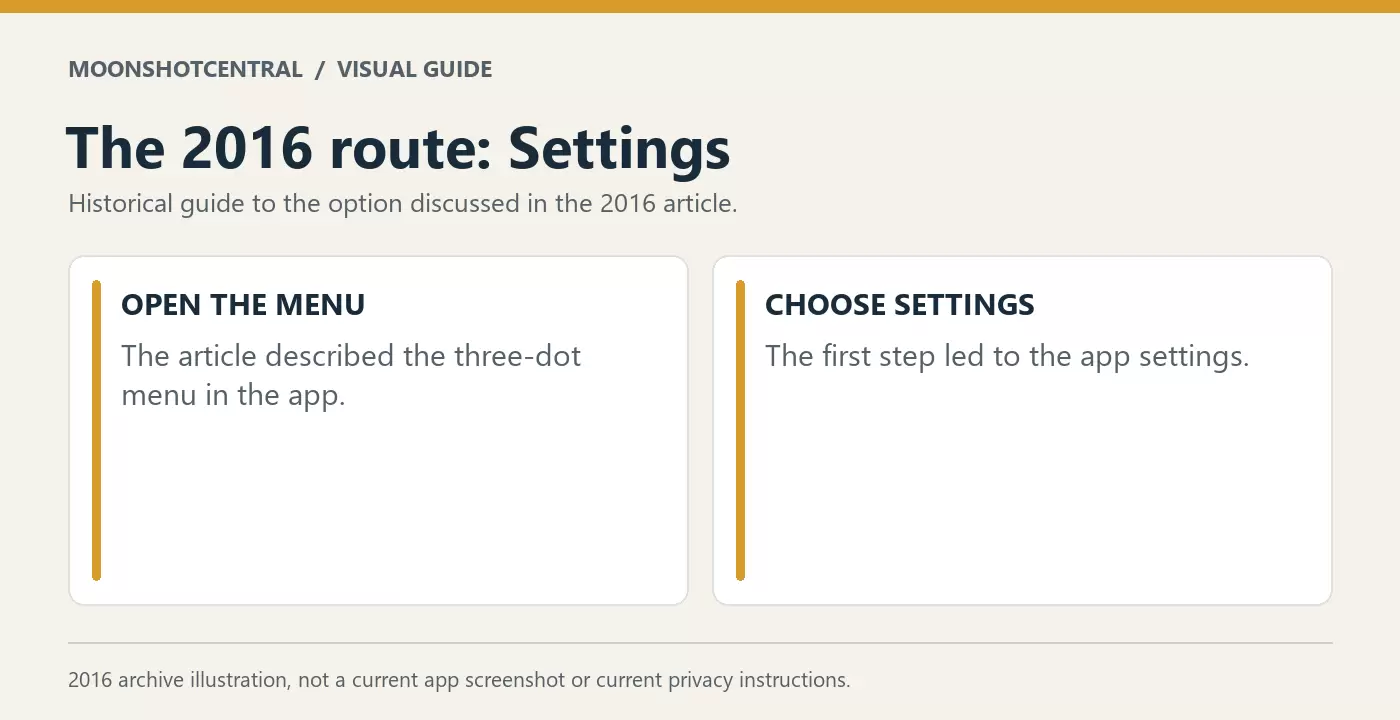
#1 Go to you Whatsapp app and click on three tiny button and click on ‘Settings’, as shown in pic below
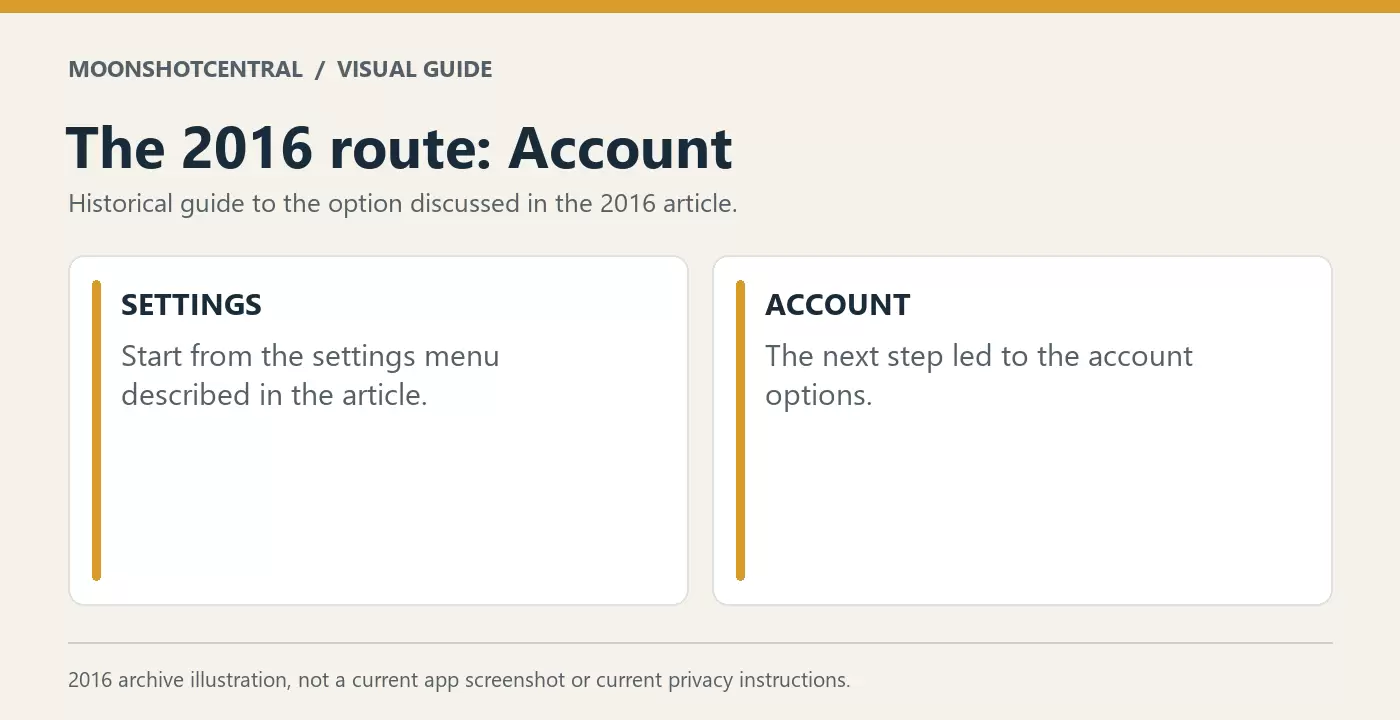
#2 Then Click on ‘Account’
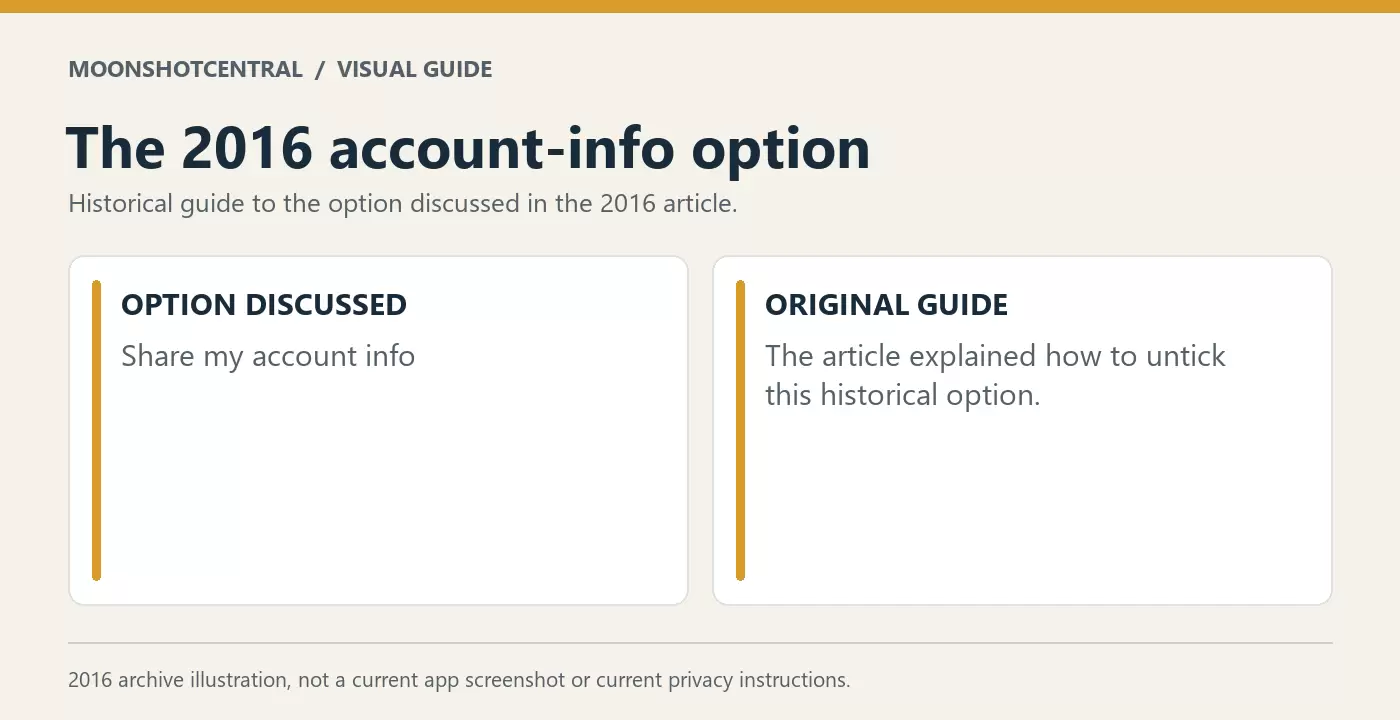
#3 Then just uncheck the box that says “Share my Account info” . This was the option described in the original 2016 guide.
Note: Once you uncheck this option, you cant get this option back, anyways who want to share their info :).